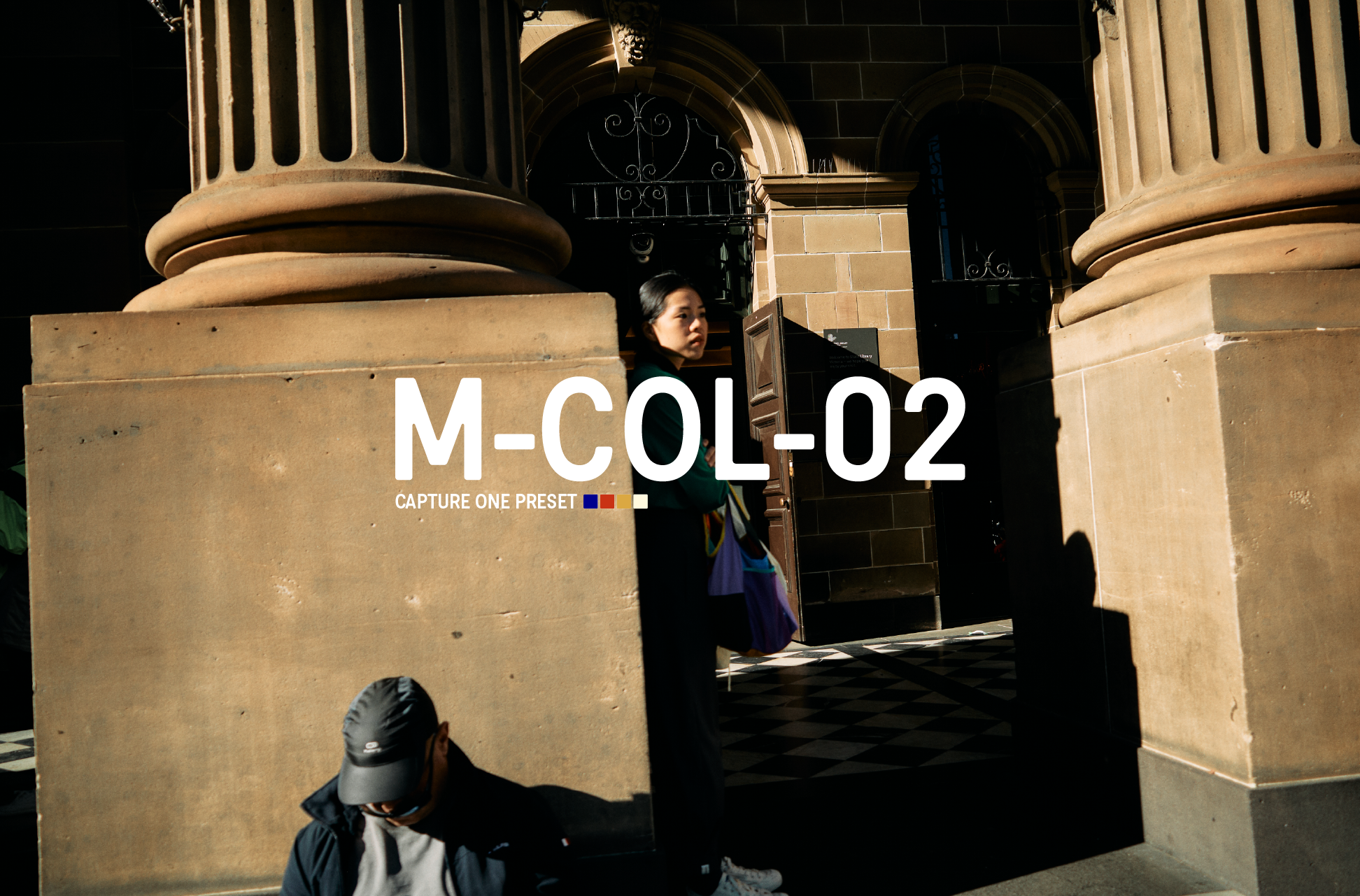
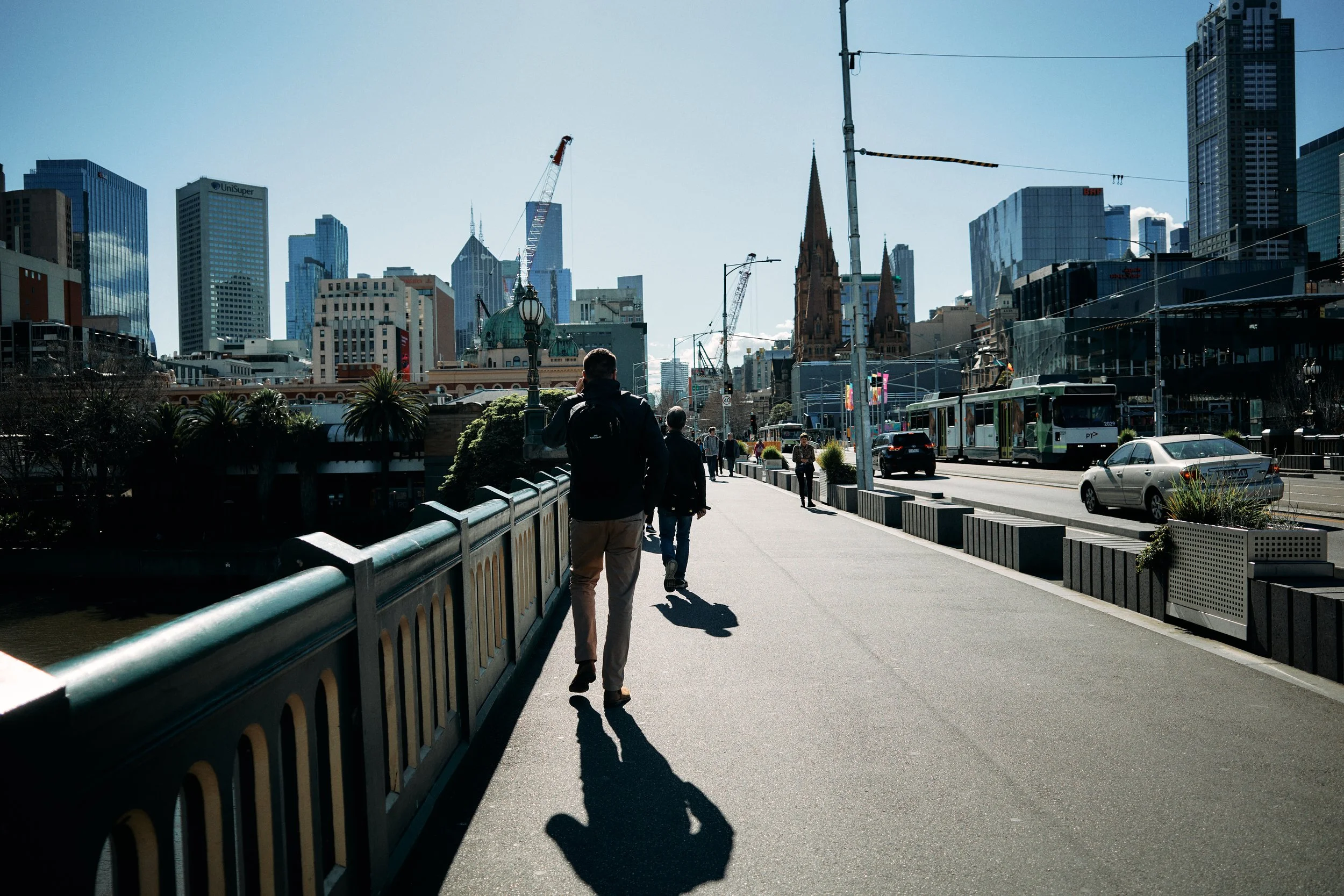
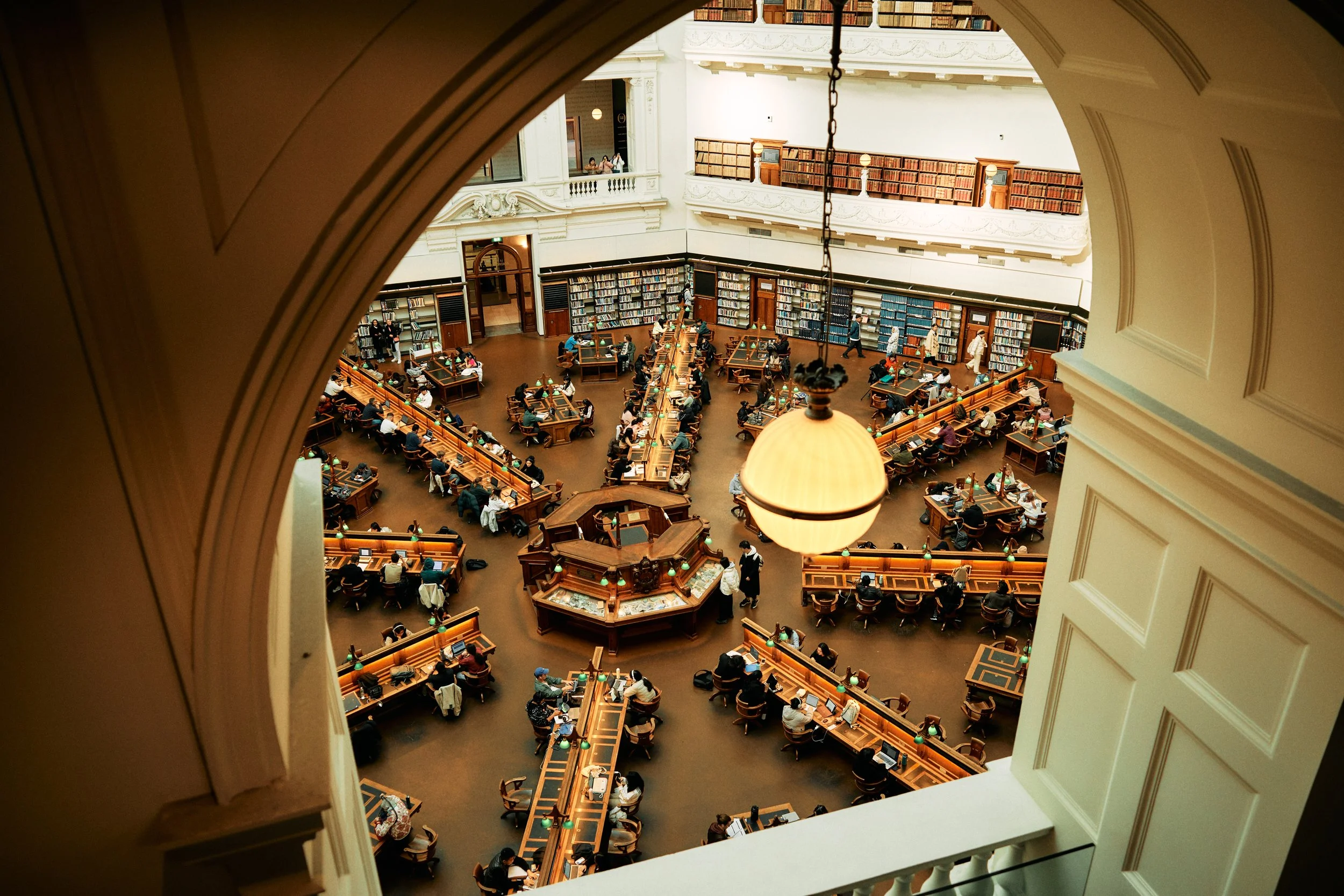
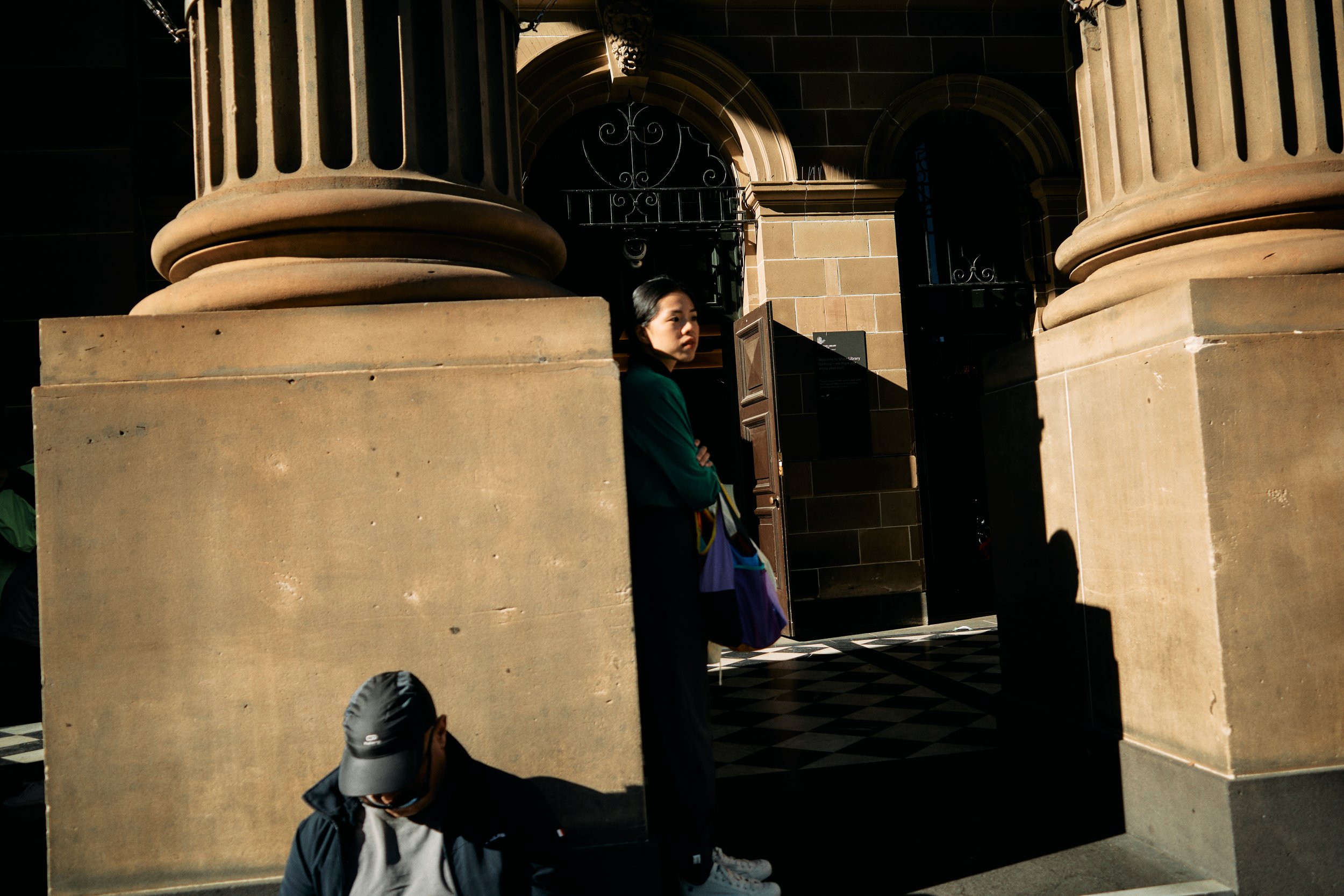
M-COL-02 is a film inspired Capture One preset tailored specifically for the Ricoh GR III / GR IIIx.
Optimal results are achieved when applied to images captured indoor and outdoor environments with acceptable light exposure and a neutral white balance..
How to Utilize these Presets:
1. Begin by adjusting exposure.
2. Make necessary white balance adjustments.
3. Depending on the initial exposure, fine-tune contrast using the luma tone curve to suit your preferences.
Installation Instructions:
1. Ensure Capture One is closed.
2. Navigate to the Capture One Styles folder within the application directory.
3. Download and extract the styles.
4. Copy and paste the extracted files into the Capture One Styles folder.
5. Open or restart Capture One; the styles should be accessible in your custom styles library.
Note:
- These presets are compatible with Capture One 21, 22, & 23.
- Intended as a starting point during editing.
This item is non-refundable after purchase.
M-COL-02 is a film inspired Capture One preset tailored specifically for the Ricoh GR III / GR IIIx.
Optimal results are achieved when applied to images captured indoor and outdoor environments with acceptable light exposure and a neutral white balance..
How to Utilize these Presets:
1. Begin by adjusting exposure.
2. Make necessary white balance adjustments.
3. Depending on the initial exposure, fine-tune contrast using the luma tone curve to suit your preferences.
Installation Instructions:
1. Ensure Capture One is closed.
2. Navigate to the Capture One Styles folder within the application directory.
3. Download and extract the styles.
4. Copy and paste the extracted files into the Capture One Styles folder.
5. Open or restart Capture One; the styles should be accessible in your custom styles library.
Note:
- These presets are compatible with Capture One 21, 22, & 23.
- Intended as a starting point during editing.
This item is non-refundable after purchase.